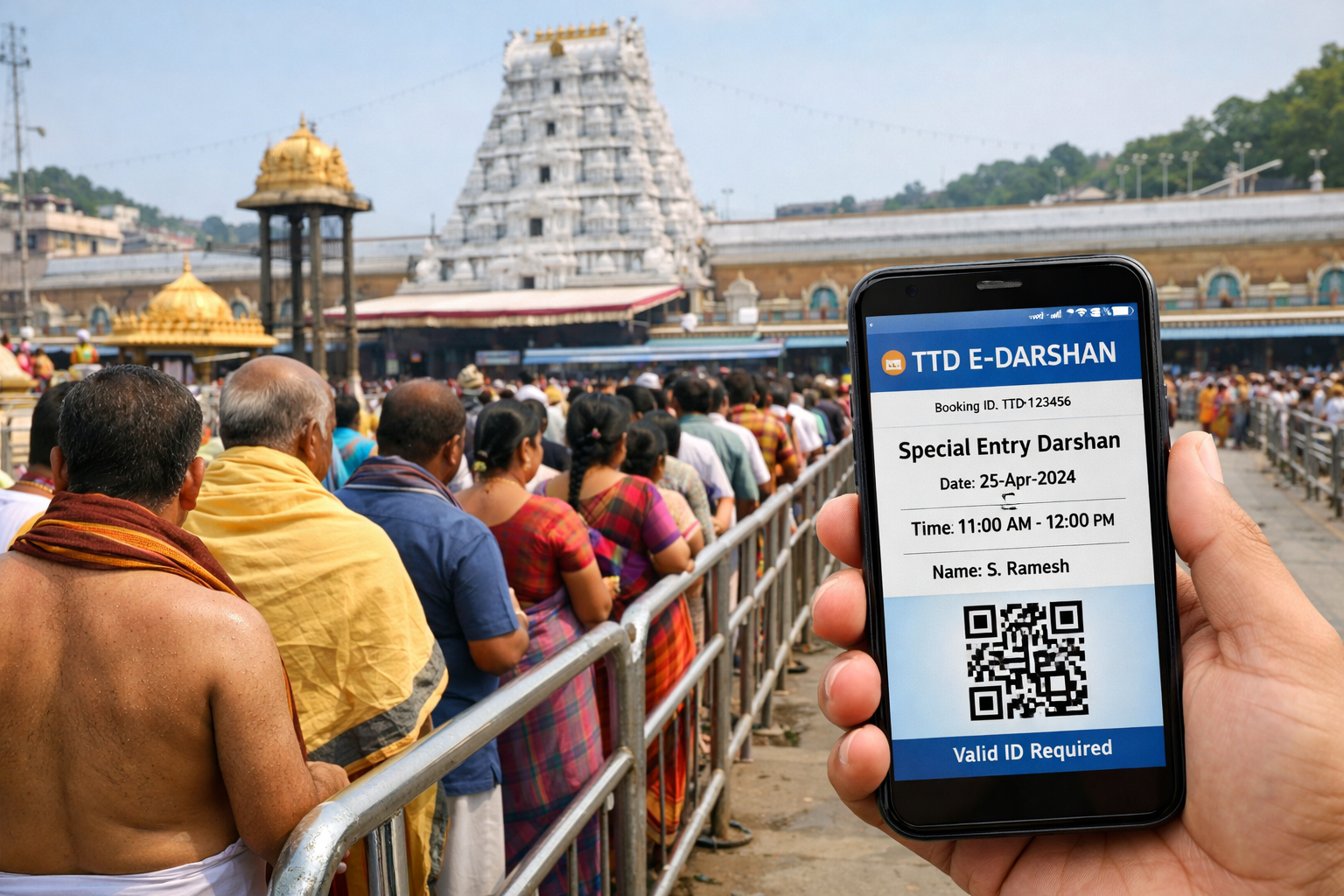
Tirumala Ttd Essential Guide To TTD E Services And Booking
Tirumala Ttd is more than the famous pilgrimage destination at Tirumala — it is also a highly organised system run by the Tirumala Tirupati Devasthanams (TTD) that millions of devotees use every year to plan darshan, sevas, accommodation, donations and digital services like TTD E (online electronic services). In this detailed informational guide you’ll find explained what TTD E means, how to use it, exact steps to register and book services, tips from my own visit and smart ways to avoid common problems.
What Is Tirumala Ttd And TTD E?
At its core, Tirumala Ttd refers to the Tirumala Tirupati Devasthanams trust — an independent government trust managed by the Government of Andhra Pradesh that operates the world-famous Venkateswara Temple at Tirumala and its allied temples. TTD oversees darshan arrangements, religious sevas, accommodation, donations, social services and pilgrim welfare.
“TTD E” usually means the electronic system, website and digital services provided by TTD to allow devotees to plan and book their pilgrimage activities online without standing in physically long queues. Through the TTD E portal (often part of the online services on TTD Official Website and its booking portal), you can do:
- Darshan ticket booking
- Accommodation reservations
- Special sevas and rituals
- Donations and hundi offerings
- Package tours
Why Use TTD E For Your Tirumala Ttd Pilgrimage?
Around 70,000+ devotees visit Tirumala every day. That’s tens of millions annually — peak seasons see even higher numbers. Planning your visit through the TTD E portal dramatically reduces stress and queue waiting times. I personally visited Tirumala during a festive season and relied entirely on TTD E booking; without it I would have spent hours just entering the queue. Here’s why it’s useful:
- Book darshan tickets before reaching Tirumala
- Secure accommodation on hill or footpath routes
- Choose exact seva dates and times
- Skip long standby lines for tickets
Step-By-Step: How To Register For TTD E Services
Registration is the first and most critical step before you can book anything under TTD E. Below are clear steps followed by tips to avoid common errors.
Step 1: Open Official TTD Portal
Visit the official TTD portal. The primary site for online booking is the TTD booking portal (ttdevasthanams.ap.gov.in) and you can also navigate via the main TTD website.
Step 2: Create An Account
Look for the “Register / Login” section. You’ll be asked for:
- Mobile number
- Email address
- Name and ID details (like Aadhaar or passport number)
Complete the OTP (one-time password) verification — this is essential before booking any services. If you make a typo in mobile number or email, your account creation won’t work and you won’t receive important booking confirmations. This is one of the most common mistakes pilgrims make. Always double-check the numbers before hitting submit.
Step 3: Confirm Email And Mobile Verification
After entering your details, TTD will send an OTP to your mobile and email. Confirm both — failing to verify often leads to “session expired” errors when booking darshan or accommodation.
How To Book Darshan Through TTD E
Once registered, you can book darshan tickets using the TTD E system. Here’s a clear, updated process.
Step 1: Login To TTD E Portal
Log in with the mobile number and password you created at registration. Some pilgrims report seeing “invalid feedback” if cookies/cache are blocked in their browser — always allow pop-ups and cookies on your first visit.
Step 2: Select Darshan Type
TTD offers multiple darshan options:
| Darshan Type | Description |
|---|---|
| Sarva Darshan | Free general entry with highest queue waiting |
| Special Entry Darshan | Paid (e.g., ₹300 approx) faster entry queue |
| VIP or Break Darshan | Premium paid with priority services |
The Special Entry Darshan (often ₹300 as per recent booking patterns) is one of the most popular choices for easy access. Make sure you are on the official booking portal; there are phony third-party sites out there that try to mimic TTD.
Step 3: Choose Date & Time
Once you pick the darshan type, select the date. Time slots may be limited and sell out quickly, so plan ahead — especially if you visit during festivals like Vaikuntha Ekadashi or Brahmotsavam.
Step 4: Confirm Payment
After selecting your slot, proceed to online payment. The confirmation will be sent to your email and mobile. Download the e-ticket and carry a valid ID on the day of darshan — TTD officials check it at the queue entrance.
Booking Sevas Using TTD E
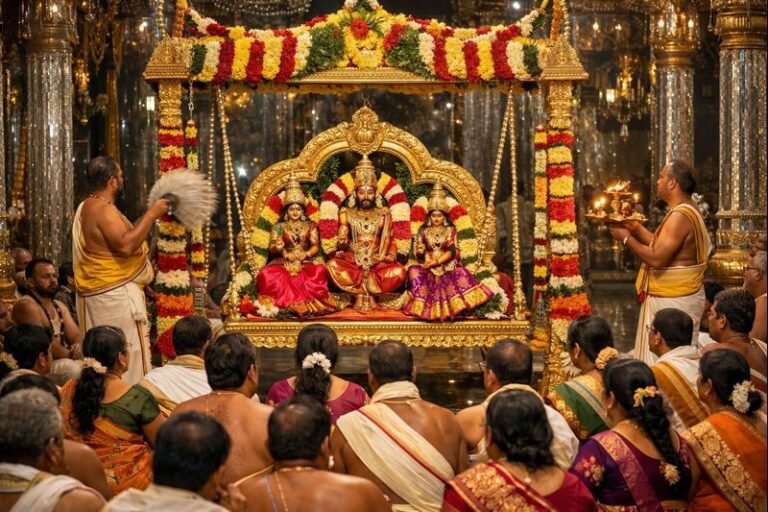
TTD E lets you book sevas (special religious services) such as Kalyanotsavam, Unjal Seva, Sahasra Deepalankara Seva and others. These often have specific cost brackets and different rules:
Step 1: Go To Seva Booking Section
Under “Online Services” you will find “Seva Booking”. These are different from darshan tickets and require separate reservations.
Step 2: Follow Quota Rules
Sevas typically have quotas for how many pilgrims can be booked per day. For example, only one seva per registered user may be permitted within a certain number of days after quota release.
Step 3: Keep ID & Ticket Ready
Just like darshan tickets, you’ll need to provide valid ID when attending the seva on the actual day.
Accommodation Booking On TTD E System
If you plan to stay at Tirumala, use the TTD E portal to book cottages or rooms. These have their own quota and are often released months in advance, especially during peak seasons. Search for “Accommodation” within the portal and choose dates carefully.
Tips And Best Practices For TTD E Users
- Register early: Create your TTD E account at least weeks before your planned travel date.
- Use official sites only: Only book via ttdevasthanams.ap.gov.in or tirupatibalaji.ap.gov.in to avoid fraud.
- Keep ID handy: Your booking will be linked to your official ID — mismatches may lead to denied entry.
- Plan Darshan Time: Peak western tourist seasons and local festival periods book quickly.
Common Mistakes To Avoid With TTD E
- Using unofficial websites for booking (leads to scams)
- Skipping email/mobile verification
- Entering wrong mobile number or ID during registration
- Booking only after arrival — heavy queues
Frequently Asked Questions About Tirumala Ttd E
What Is The Difference Between TTD And TTD E?
“TTD” refers to the trust that runs the temple and overall services. “TTD E” means the electronic services and online booking platform within TTD’s ecosystem to help devotees plan darshan, sevas and stay digitally.
Do I Need To Register Before Booking?
Yes, registration on the TTD portal is mandatory for booking darshan, sevas or accommodation. You won’t be able to book without a confirmed account.
Can Foreigners Use TTD E?
Yes. The online system supports registrations from international pilgrims. Just ensure your passport details are correctly entered.
What Happens If I Lose My E-Ticket?
You can log back into your account, re-download the ticket and print or save it to your phone for showing at the darshan queue.
Is There A Refund For Canceled Tickets?
Refund policies vary by darshan type and event. Always check the policy details shown during the payment confirmation process before booking.
Tirumala Ttd’s digital transformation through TTD E has made planning a sacred visit to Tirumala more accessible than ever. By registering ahead, following the steps above and avoiding the common mistakes I’ve mentioned from firsthand experience, your pilgrimage planning can be smooth and stress-free.



+ There are no comments
Add yours